
About Images to PDF
This bundles a mixed set of images — JPG, PNG, WebP or any format your browser can open — into one PDF, one image per page. Unlike the format-specific converters — JPG to PDF or PNG to PDF — it happily takes a folder of assorted pictures at once: a batch of scanned pages, phone photos and screenshots together, a set of product shots, or event photos you want to send or print as a single document. Already have separate PDFs to combine instead of images? Use Merge PDF.
All processing is local, so sensitive scans (contracts, IDs, forms) never leave your device.
How it works
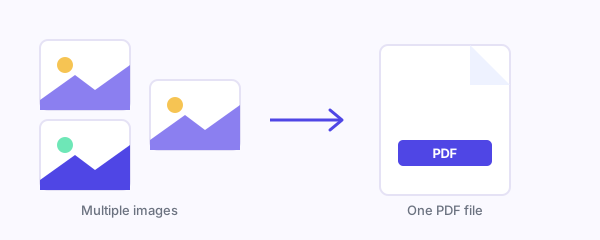
Each image is drawn to a canvas and embedded into a new PDF with pdf-lib, in your browser. Layout controls apply to every page:
- Fit to image — each page matches its image, no margin.
- A4 (595.28 × 841.89 pt) or US Letter (612 × 792 pt) — the image is scaled to fit within your margin (0–80 pt) and centred, aspect ratio kept.
- Orientation — auto (per image shape), portrait, or landscape.
Images are added as pages in the order you drop them in.
Assumptions and defaults
- One image per page, in add order; a single page size/orientation/margin setting applies to the whole document.
- Any browser-decodable image type is accepted (JPG, PNG, WebP, GIF, BMP…); non-image files are ignored.
- Fit to image maps 1 pixel to 1 PDF point, so high-resolution images make physically large pages — use A4/Letter for printing.
- Images are embedded losslessly; the default margin on A4/Letter is 24 pt.
Limitations
- File size: all images are embedded losslessly (internally as PNG), so the PDF can be much larger than the source files, especially with high-resolution photos — JPG compression is not preserved and there's no compression option.
- One layout for all pages — you can't set a different size or margin per image, and there's no per-page reordering or deletion after adding (clear and re-add to change order).
- Mixed aspect ratios on a fixed page size (A4/Letter) means some pages will have wide margins around portrait or landscape images.
- Everything runs in memory on your device, so very large batches depend on available RAM.
Privacy
Images are combined in your browser with pdf-lib. Nothing is uploaded — no image or PDF leaves your device.

 Get FreeMyTask as an app